 50% off
About this template
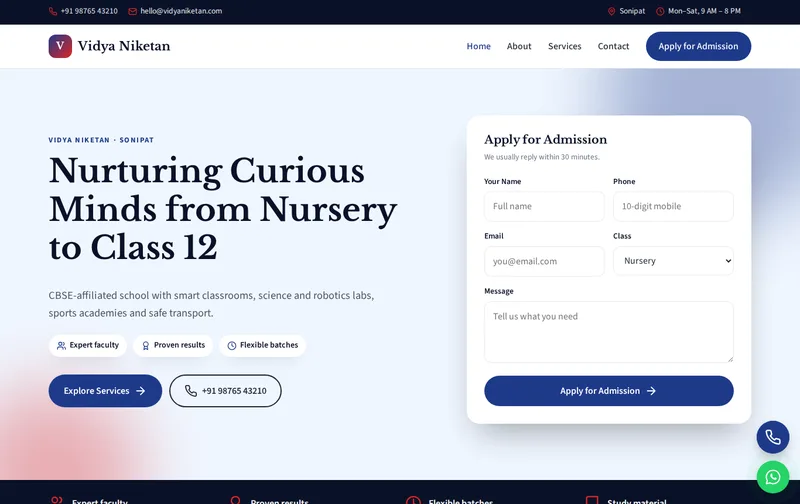
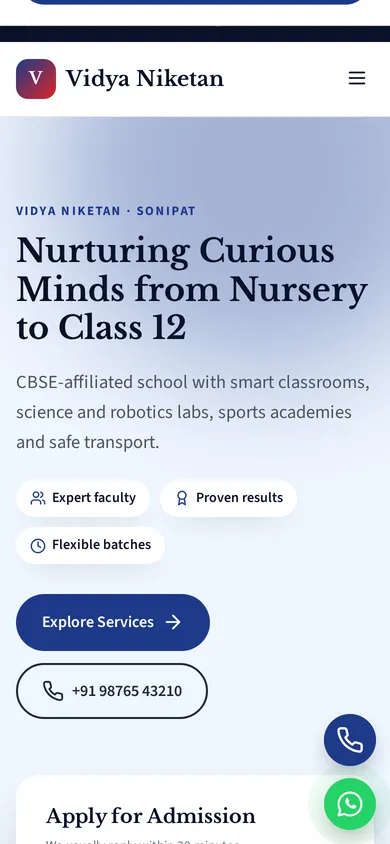
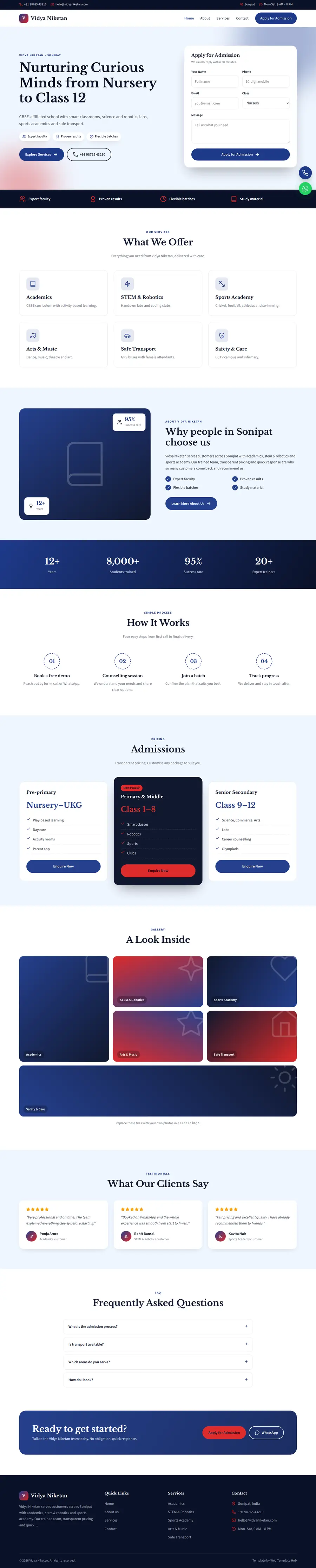
A school website serves several audiences at once: prospective parents comparing schools, current parents looking for notices, and regulators who expect certain information to be published. Vidya Niketan gives a dignified, information-led design with admission cards, facilities and an admission enquiry form.
Vidya Niketan is a ready-made school website template built in plain HTML5, CSS3 and a small vanilla JavaScript file, with a PHP enquiry form. It costs ₹1,499 (list price ₹2,999), paid once by UPI. You can open the live demo of Vidya Niketan on your phone before you decide.
What parents and boards expect from a school website
Parents comparing schools want the board and affiliation, classes offered, admission process and dates, fee structure, transport, facilities and co-curricular activities. They also look at the principal's message and photos of labs, the library and sports facilities. The admissions section is designed to make the admission process and the enquiry form easy to find.
For CBSE schools, the website is also where mandatory public disclosure information is published, including affiliation details, infrastructure and staff information. The template includes a place in the footer for your affiliation number; a disclosure page can be added by copying an inner page.
What you get, page by page: Home, About, Services, Contact
Use the Services page as an academics page: stages from nursery to class 12, streams offered in senior secondary, and programmes such as STEM and robotics, sports academy and arts. The About page is for the school's history, trust or society details, the principal's message and leadership. The Contact page should cover the admission office timings.
- Home page: hero with enquiry form, services, about, process, admissions, gallery, testimonials and FAQ sections.
- About page: your story, key numbers, working process and testimonials.
- Services page: detailed service cards, pricing and FAQs.
- Contact page: contact cards, a map slot and the enquiry form, handled by contact.php with a honeypot spam trap.
The demo content is written for a business in Sonipat offering Academics, STEM & Robotics, Sports Academy and Arts & Music. The enquiry form's Class dropdown is already filled with matching options, so you edit labels rather than build the form from scratch.
How parents search for schools
Typical searches are 'CBSE school in Sonipat', 'best school near me', 'school admission 2026-27' and 'nursery admission in Sonipat'. Use your town and board in the main headings, publish admission dates and the process each year, and keep your Google Business Profile listing accurate with the school's category and photos.
The technical groundwork is already in the files. The home page includes School JSON-LD with your business name, address, phone and hours, FAQ answers are marked up as FAQPage schema, and inner pages carry BreadcrumbList schema. Titles, meta descriptions, canonical tags and Open Graph tags are set per page, and there is one H1 on each page. When you edit, make sure the address and phone in the schema match your Google Business Profile word for word; read our article on schema markup for local business websites if you want to understand each field.
After launch, submit sitemap.xml in Google Search Console so Google discovers all four pages quickly, and check the Enhancements report for any schema warnings after you edit.
Planning a mandatory disclosure page
CBSE requires affiliated schools to publish mandatory disclosure information on their website in the prescribed format. Check the current CBSE circular for the exact list, which usually covers general information, documents such as the affiliation letter and NOC, results, staff details and infrastructure. Create a separate page for it, link it from the footer, and keep the documents current; parents and inspectors do look for it.
Current parents need notices, holiday lists and fee circulars. A simple 'Notices' section updated each month keeps the site useful beyond admission season.
Your launch content checklist
The layout is ready; the proof has to come from you. Gather these before you start editing:
- Board, affiliation number and school code
- Admission process, eligibility by age and key dates
- Fee structure or a note on how to obtain it
- Principal's message and leadership details
- Facilities with real photos: labs, library, sports, transport
- Mandatory disclosure documents in the required format
Note: publish your affiliation number and disclosure information exactly as issued, and update them when they change.
Customising Vidya Niketan: colours, fonts and forms
Brand colours live in four CSS variables at the top of style.css. The demo uses a primary of #1e3a8a and an accent of #dc2626; change those two values and buttons, links and highlights update across all four pages. Typography uses Libre Baskerville and Source Sans 3 from Google Fonts, and icons are inline SVG, so there is no icon font to load. Floating call and WhatsApp buttons sit on every page. A timed lead popup is also included; you can change its text or remove it in a few lines. There is no jQuery and no page builder: the JavaScript is about 1 KB and only handles the menu, scroll reveal animations and small interactions.
Keep your replacement photos close to the demo image proportions and compress them before upload, so pages stay quick on phones and the grid layouts line up neatly.
Navy and red with Libre Baskerville headings give a traditional, trustworthy look. Rename the Class dropdown to your admission classes. If you are an ICSE, state board or international school, change the board references throughout, including the schema description.
How to put it online
The download is a 29 KB zip. Upload the folder to public_html on Hostinger, cPanel or any PHP host and the site is live; contact.php sends enquiries with PHP mail(), which most shared hosts support. On a static host such as Netlify, point the form at a service like Formspree instead. The README walks through each step, and robots.txt and sitemap.xml are included. If you have never published a site, follow our step-by-step Hostinger launch guide, or ask our custom website design team to install and brand it for you.
Before announcing the site, send a test enquiry yourself and confirm it arrives, including in the spam folder, and tap the call and WhatsApp buttons on your own phone.
Is Vidya Niketan the right fit?
Vidya Niketan suits schools, cbse / icse schools, international schools and education trusts. It suits CBSE, ICSE and state board schools, international schools and education trusts running one or two campuses.
Be clear about what it is not. It is a four-page static website, not a CMS, so edits are made in the HTML files. It has no online payment gateway, no booking calendar and no admin panel, and no parent portal, fee payment or ERP integration. The licence covers one website; buy one licence per client project. See the licence terms for details.
You may also compare
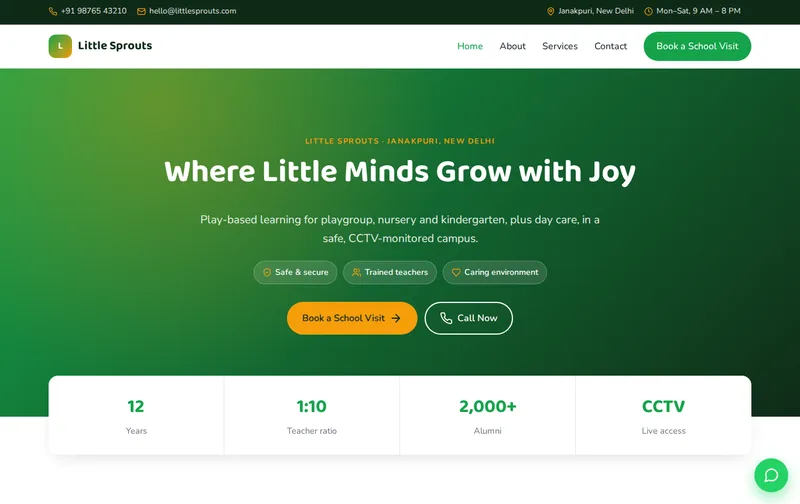
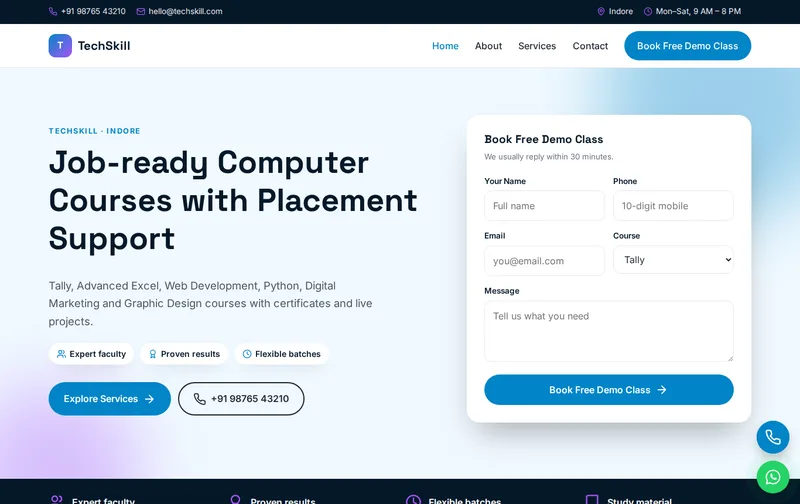
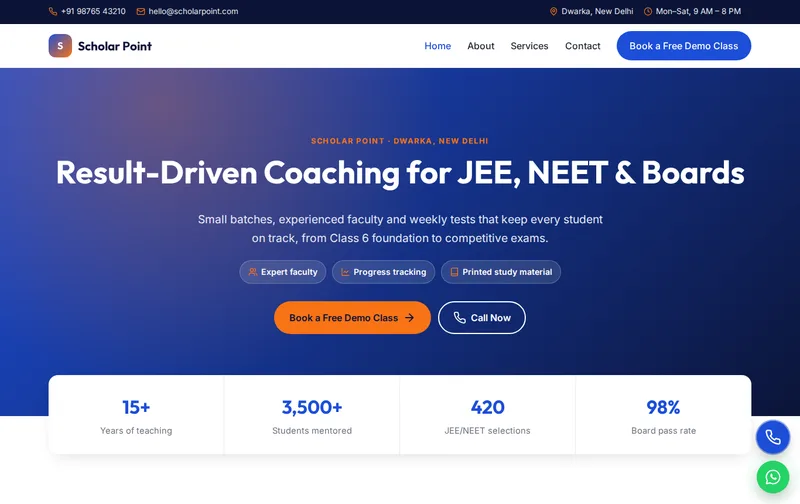
Browse all Education website templates, or compare Little Sprouts (play school & preschool template), Scholar Point (coaching institute & tuition centre template) and Nanhi Kiran Foundation (ngo & charity trust template).
Features
- Enquiry popup on CTA click + timer
- 4 ready-made pages
- Mobile-first responsive layout
- School JSON-LD schema
- FAQPage & Breadcrumb schema
- Enquiry form with PHP mail handler
- Floating Call & WhatsApp buttons
- Google Fonts: Libre Baskerville
- Inline SVG icons, no icon fonts
- No jQuery, ~1 KB JavaScript
- Scroll reveal animations
- robots.txt & sitemap.xml
- Detailed README & licence
Ideal for
SchoolsCBSE / ICSE schoolsInternational schoolsEducation trusts
Frequently asked questions
Does Vidya Niketan include a mandatory disclosure page?
It includes a footer slot for your affiliation number. Add a disclosure page by duplicating an inner page and filling in the details CBSE requires.
Can parents submit an admission enquiry?
Yes. The admission enquiry form asks for the class and arrives by email so your admission office can follow up.
Is it suitable for an ICSE or state board school?
Yes. Change the board name in the text and schema, and adjust the academic stages.
Can we link our school ERP or fee portal?
Yes. Add a link in the header or a 'Parents' menu item pointing to your ERP login.