 50% off

About this template
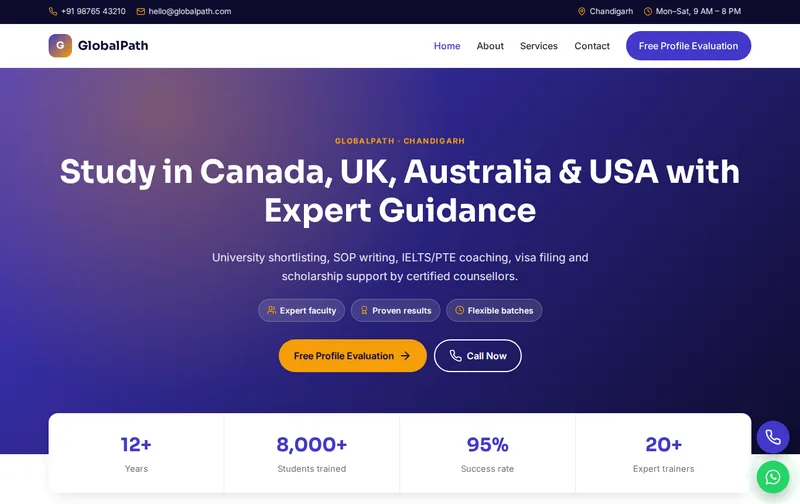
Students planning to study abroad compare consultants carefully, because a wrong choice costs a year and a lot of money. GlobalPath gives an overseas education consultant a credible, international look, with country selection, the services students need and a profile evaluation form.
GlobalPath is a ready-made study abroad website template built in plain HTML5, CSS3 and a small vanilla JavaScript file, with a PHP enquiry form. It costs ₹1,299 (list price ₹2,599), paid once by UPI. You can open the live demo of GlobalPath on your phone before you decide.
What students and parents want from a study abroad consultant
Students usually know the country they want before they know the course. They search for 'study in Canada consultant' or 'UK student visa consultant', and then compare services: university shortlisting, SOP and LOR help, IELTS or PTE coaching, visa filing and pre-departure support. The country cards and services sections are arranged in that order.
Parents focus on trust and cost: how long the consultancy has operated, which universities it works with, what it charges and what is refundable. A free profile evaluation is the most common first step, and the form is set up for it, asking for the preferred country.
A walk through the four pages: Home, About, Services, Contact
Use the Services page to describe each service in detail and to state your fees, or which services are free because universities pay you a commission. The About page should cover your counsellors, years of operation and university partnerships you can document. If you run IELTS or PTE coaching, give it its own section with batch timings and fees.
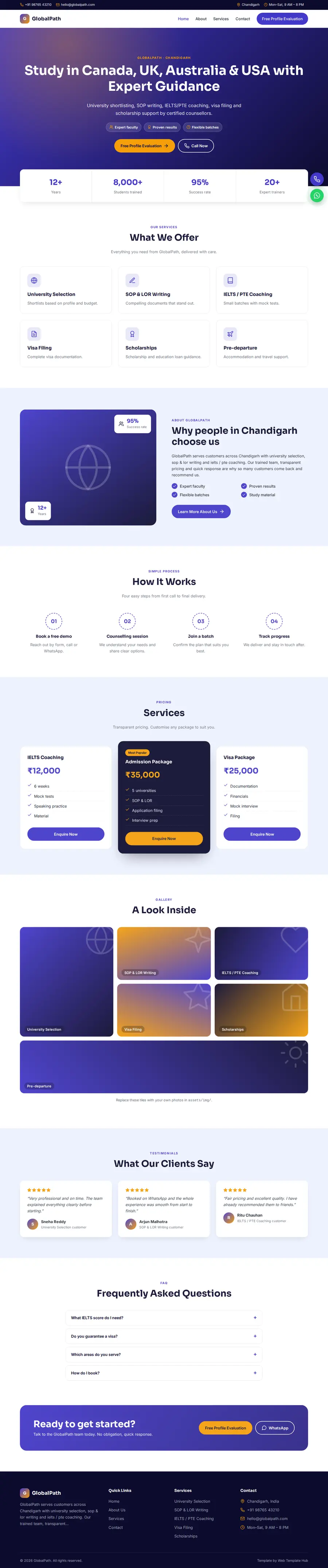
- Home page: hero with enquiry form, services, about, process, services, gallery, testimonials and FAQ sections.
- About page: your story, key numbers, working process and testimonials.
- Services page: detailed service cards, pricing and FAQs.
- Contact page: contact cards, a map slot and the enquiry form, handled by contact.php with a honeypot spam trap.
The demo content is written for a business in Chandigarh offering University Selection, SOP & LOR Writing, IELTS / PTE Coaching and Visa Filing. The enquiry form's Country dropdown is already filled with matching options, so you edit labels rather than build the form from scratch.
Search terms that bring students
Searches combine country, purpose and city: 'study in Canada consultants in Chandigarh', 'UK study visa agent', 'IELTS coaching near me'. Give each country its own section or page with intakes, typical costs and visa basics, and add your office address to your Google Business Profile. Student success stories with the university name and intake are strong content when you have permission.
On the technical side the work is done for you. Every page has its own title, meta description, canonical tag and Open Graph tags. The home page carries EducationalOrganization structured data (name, address, phone and opening hours), the FAQ section outputs FAQPage schema, and the inner pages include BreadcrumbList schema. Each page uses a single H1 and semantic landmarks. Replace the demo address and phone in the schema block with the exact details on your Google Business Profile so the two match. Our guide to schema markup for local business websites explains what each field does.
After launch, submit sitemap.xml in Google Search Console so Google discovers all four pages quickly, and check the Enhancements report for any schema warnings after you edit.
Writing country pages that help
A useful country page covers intakes, popular courses, approximate tuition and living costs, English test requirements, post-study work options and visa steps. Link to the official immigration or university pages for the figures that change often, and add the date you last checked them. This builds trust and keeps you on the right side of advertising rules.
Your launch content checklist
Swapping text is quick. Collecting the right material takes longer, so start with this list:
- Countries and universities you work with, with proof of partnership
- Service list and fee structure, including refund terms
- Counsellor names and experience
- IELTS/PTE coaching batches and fees
- Student success stories with permission
- Office address and appointment hours
Note: never guarantee admission or visa approval. Visa decisions are made by the destination country, and promises of guaranteed visas can mislead students and attract complaints.
Customising GlobalPath: colours, fonts and forms
The design is controlled from a handful of CSS variables. Swap the demo primary (#4338ca) and accent (#f59e0b) for your brand colours and the change carries through all four pages. Fonts are Sora and Inter from Google Fonts; icons are inline SVG rather than an icon font; and the only script is a small vanilla JavaScript file for the menu and scroll animations, so pages stay light on mobile data. Floating call and WhatsApp buttons are included. A timed lead popup is also included; you can change its text or remove it in a few lines.
Use your own photos at roughly the same proportions as the demo images, and compress them first; large uncompressed images are the most common reason a fast template becomes slow after editing.
The indigo and amber palette looks international and serious. Rename the Country dropdown to the destinations you handle. If you also offer migration services, keep them on a separate page so student and migration enquiries are easy to tell apart.
Hosting and setup
You receive a 29 KB zip with the four pages, assets, contact.php, robots.txt, sitemap.xml and a README. Unzip it, edit the text, and upload the folder to public_html on any PHP hosting such as Hostinger or a cPanel host; the form works through PHP mail() on most shared plans. Static hosting like Netlify also works if you connect the form to Formspree. Our step-by-step Hostinger launch guide covers domain, SSL and Search Console, and our custom website design team can do the whole setup if you prefer.
Do a final check before launch: send a test enquiry, confirm it lands in your inbox, and try the call and WhatsApp buttons on a phone to make sure they open the right number.
Is GlobalPath the right fit?
GlobalPath suits study abroad consultants, ielts institutes, immigration consultants and education counsellors. It suits study abroad consultants, IELTS and PTE institutes, education counsellors and immigration consultancies with a student focus.
Some honest limits before you buy: It is a four-page static website, not a CMS, so edits are made in the HTML files. It has no online payment gateway, no booking calendar and no admin panel. The licence covers one website; buy one licence per client project. See the licence terms for details.
Related templates
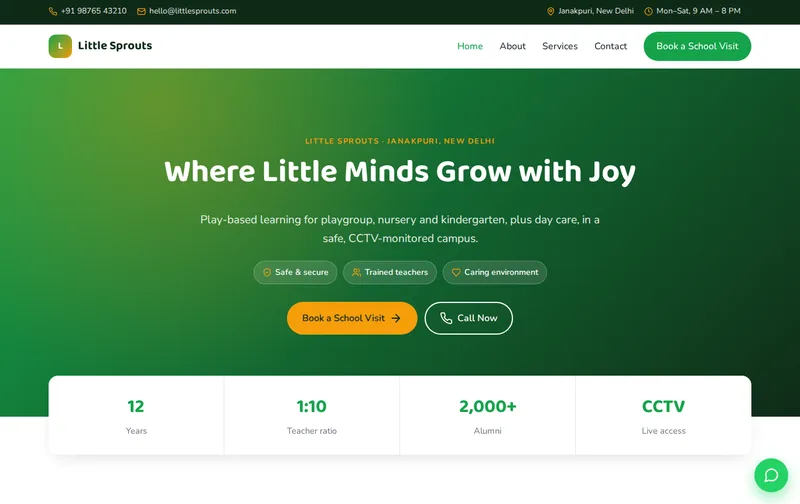
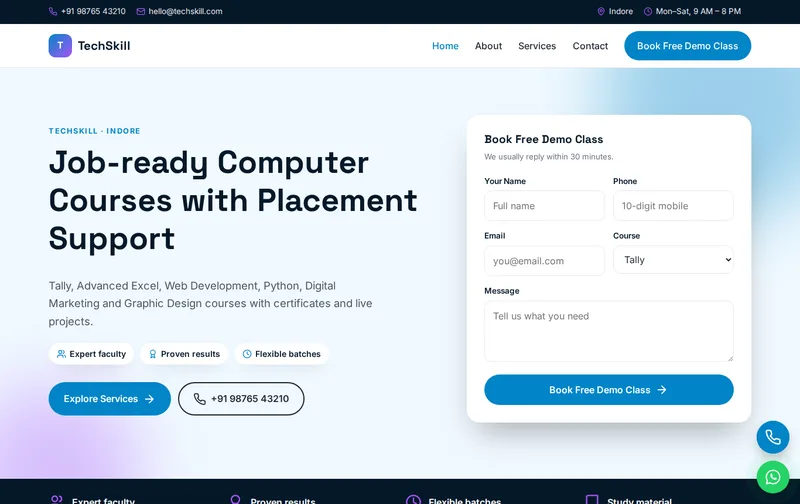
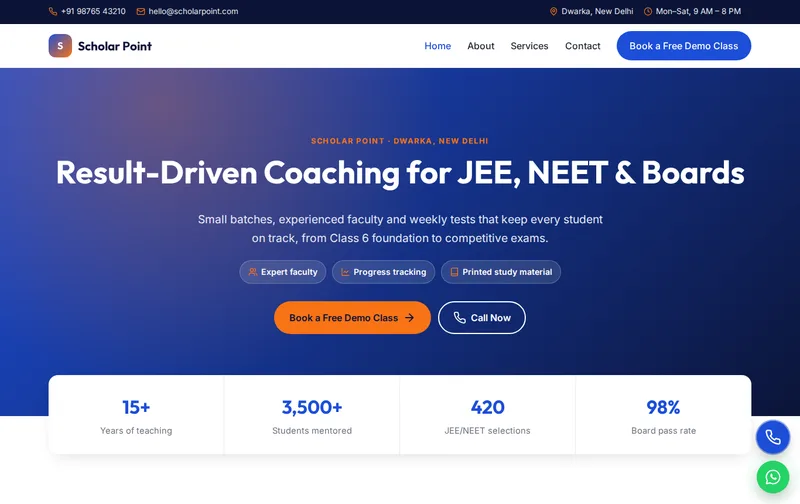
Browse all Education website templates, or compare VisaEase (visa consultant template), Scholar Point (coaching institute & tuition centre template) and TechSkill (computer training institute template).
Features
- Enquiry popup on CTA click + timer
- 4 ready-made pages
- Mobile-first responsive layout
- EducationalOrganization JSON-LD schema
- FAQPage & Breadcrumb schema
- Enquiry form with PHP mail handler
- Floating Call & WhatsApp buttons
- Google Fonts: Sora
- Inline SVG icons, no icon fonts
- No jQuery, ~1 KB JavaScript
- Scroll reveal animations
- robots.txt & sitemap.xml
- Detailed README & licence
Ideal for
Study abroad consultantsIELTS institutesImmigration consultantsEducation counsellors
Frequently asked questions
Can GlobalPath list the countries we handle?
Yes. The country selection section and the form's Country dropdown can be edited to your destinations.
Can I add IELTS or PTE coaching?
Yes. The demo includes IELTS/PTE coaching as a service; add batch timings and fees on the Services page.
Does the template include a profile evaluation form?
Yes. Students submit their details and preferred country, and the enquiry arrives by email.
Can I show university partners?
Yes, using the gallery or a logos row. Show only partnerships you can document.