 50% off
About this template
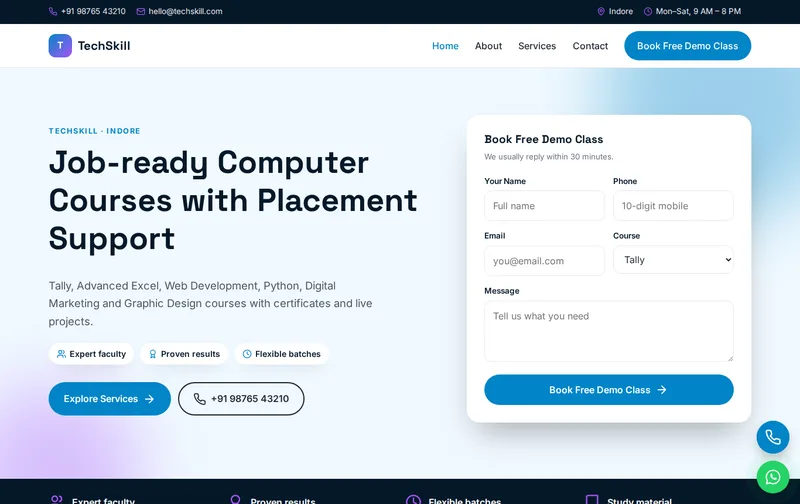
People join a computer institute to get a job, start freelancing or manage their own business accounts. TechSkill is designed around that outcome: course cards with duration and fees, placement support messaging and a demo class form.
TechSkill is a ready-made computer institute website template built in plain HTML5, CSS3 and a small vanilla JavaScript file, with a PHP enquiry form. It costs ₹899 (list price ₹1,799), paid once by UPI. You can open the live demo of TechSkill on your phone before you decide.
What learners check before joining a computer course
Visitors compare the course syllabus, duration, fees, batch timings and whether a certificate is provided. Practical courses like Tally with GST and Advanced Excel attract working adults and small business owners, while web development and Python attract students who want jobs. The popular courses section lets each course show those details on one card.
Placement support is a big decision factor, but it must be described honestly. Explain what you actually provide (resume help, mock interviews, job referrals) and share real placements with permission. A free demo class removes the risk for first-time learners.
A walk through the four pages: Home, About, Services, Contact
On the Services page, give each course a short syllabus, duration, batch options (weekday, weekend, online) and fee. The About page should introduce trainers with their industry experience. Use the gallery for the lab and real classes, and the Contact page for batch start dates.
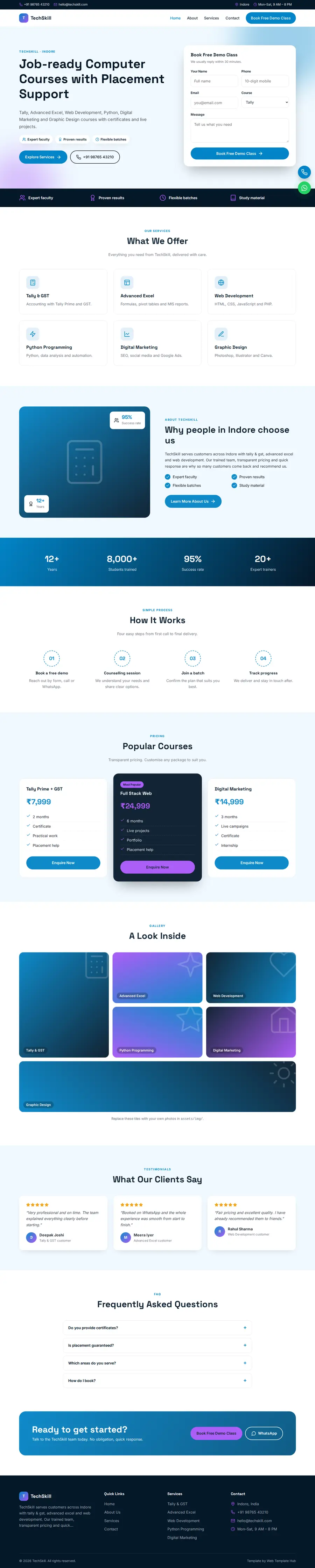
- Home page: hero with enquiry form, services, about, process, popular courses, gallery, testimonials and FAQ sections.
- About page: your story, key numbers, working process and testimonials.
- Services page: detailed service cards, pricing and FAQs.
- Contact page: contact cards, a map slot and the enquiry form, handled by contact.php with a honeypot spam trap.
The demo content is written for a business in Indore offering Tally & GST, Advanced Excel, Web Development and Python Programming. The enquiry form's Course dropdown is already filled with matching options, so you edit labels rather than build the form from scratch.
Search terms for computer institutes
People search 'Tally course in Indore', 'computer course near me', 'Python classes for beginners' and 'Advanced Excel course fees'. Give your top five courses their own headings with the city name, and add new batch dates as short updates. Students also search for certification courses by name, so name the certificate correctly.
Search engines get clean signals from the first upload: a separate title, description and canonical URL on each page, Open Graph tags for sharing, EducationalOrganization structured data on the home page, FAQPage markup for the questions section and breadcrumbs on inner pages. All you have to do is swap the demo name, address, phone and hours in that schema block for your own, using the same format as your Google Business Profile. Our guide to schema markup for local business websites covers the details.
When the site goes live, verify it in Google Search Console and submit sitemap.xml. If you later add pages, add them to the sitemap too, and run the home page through the Rich Results Test to confirm the schema still validates.
Presenting course outcomes
For each course, state what the learner will be able to do at the end: file GST returns in Tally, build a responsive website, automate a spreadsheet report. Outcomes like these help learners pick the right course and reduce drop-outs. If you issue your own certificate, say so; if a course prepares learners for an external certification, name the certifying body accurately.
Short courses such as Tally, Excel and typing bring in working adults who can only attend early mornings, evenings or weekends. List those batch options clearly, and consider a weekend fast-track batch for people who cannot attend daily. Students preparing for government job typing tests or CCC-type certifications search for those terms specifically, so mention them only if you actually prepare students for them.
What to replace before you go live
A template only converts when the content is real. Prepare the following:
- Course list with syllabus outline, duration and fees
- Batch timings: weekday, weekend and online
- Trainer names and experience
- Certificate details and issuing body
- Placement support details and real placements with permission
- Lab photos and class photos
Customising TechSkill: colours, fonts and forms
Rebranding takes minutes. Open style.css and edit the colour variables at the top: the demo primary is #0284c7 and the accent is #a855f7, and every button and highlight follows them. Headings and body text use Space Grotesk and Inter via Google Fonts, icons are inline SVG and the whole site runs on roughly 1 KB of vanilla JavaScript, with no jQuery or page builder to slow it down. Call and WhatsApp buttons float on every page. A timed lead popup is also included; you can change its text or remove it in a few lines.
Use your own photos at roughly the same proportions as the demo images, and compress them first; large uncompressed images are the most common reason a fast template becomes slow after editing.
The sky-blue and purple palette looks modern and techy. Rename the Course dropdown to your courses. If you run franchise courses from a national brand, follow that brand's naming and logo rules.
Hosting and setup
You receive a 29 KB zip with the four pages, assets, contact.php, robots.txt, sitemap.xml and a README. Unzip it, edit the text, and upload the folder to public_html on any PHP hosting such as Hostinger or a cPanel host; the form works through PHP mail() on most shared plans. Static hosting like Netlify also works if you connect the form to Formspree. Our step-by-step Hostinger launch guide covers domain, SSL and Search Console, and our custom website design team can do the whole setup if you prefer.
Before announcing the site, send a test enquiry yourself and confirm it arrives, including in the spam folder, and tap the call and WhatsApp buttons on your own phone.
Is TechSkill the right fit?
TechSkill suits computer institutes, it training centres, coding academies and skill centres. It suits computer training institutes, IT training centres, coding academies and skill centres.
What it does not do: It is a four-page static website, not a CMS, so edits are made in the HTML files. It has no online payment gateway, no booking calendar and no admin panel. The licence covers one website; buy one licence per client project. See the licence terms for details.
You may also compare
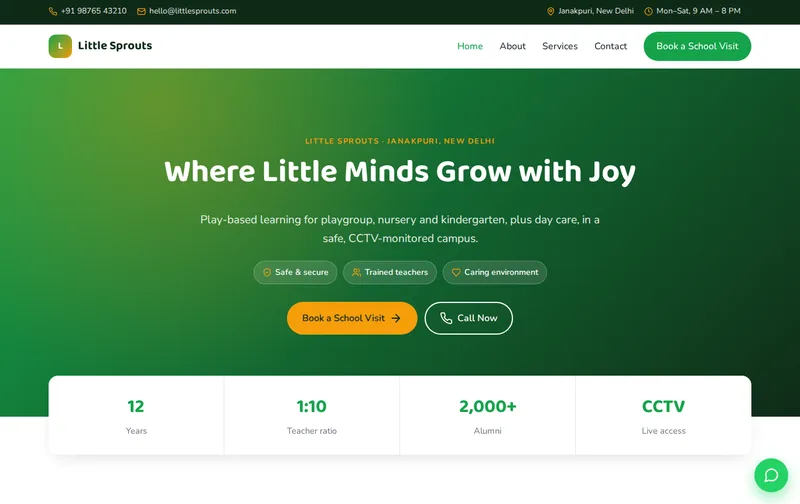
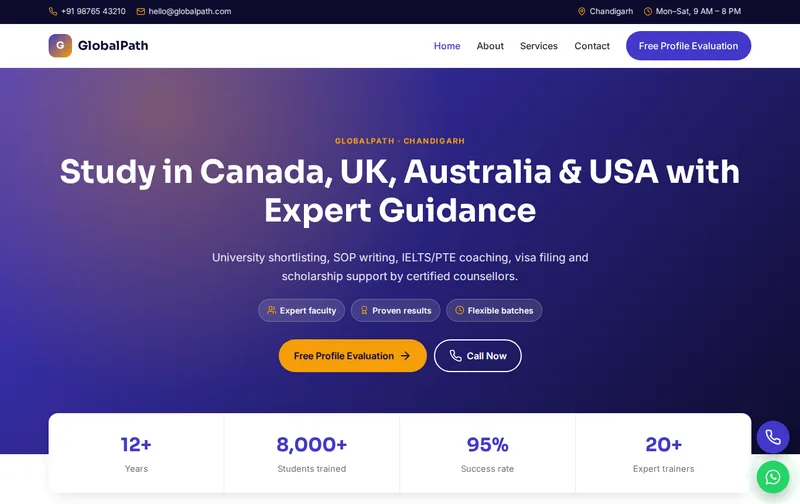
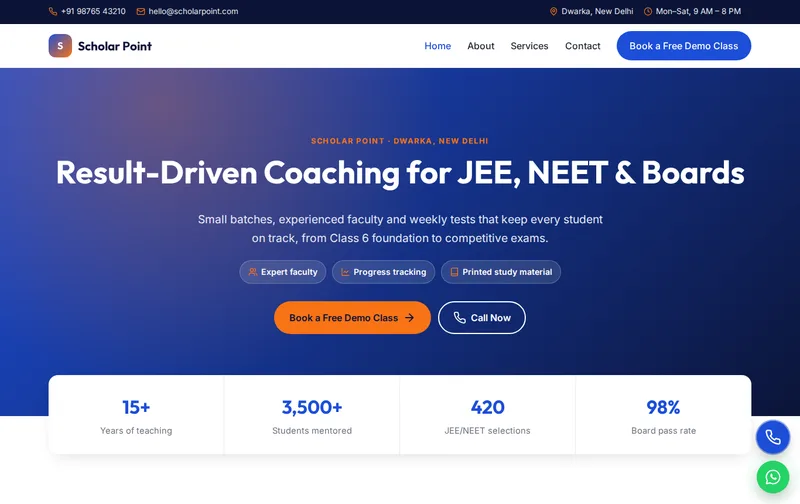
Browse all Education website templates, or compare Scholar Point (coaching institute & tuition centre template), CodeNest (it company & software development template) and GlobalPath (study abroad & ielts consultant template).
Features
- Timed offer popup (lead capture)
- 4 ready-made pages
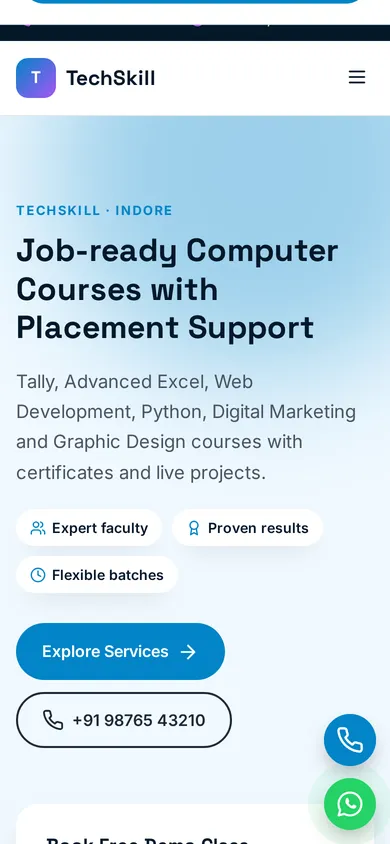
- Mobile-first responsive layout
- EducationalOrganization JSON-LD schema
- FAQPage & Breadcrumb schema
- Enquiry form with PHP mail handler
- Floating Call & WhatsApp buttons
- Google Fonts: Space Grotesk
- Inline SVG icons, no icon fonts
- No jQuery, ~1 KB JavaScript
- Scroll reveal animations
- robots.txt & sitemap.xml
- Detailed README & licence
Ideal for
Computer institutesIT training centresCoding academiesSkill centres
Frequently asked questions
Can I list course fees and duration on TechSkill?
Yes. Each course card supports a duration, a fee and a short description, and the Services page has room for a full syllabus.
Can learners book a demo class?
Yes. The demo class form asks for the course of interest and arrives by email.
Is it suitable for an online-only academy?
Yes. Replace the address details with your online class schedule and describe how live classes work.
Can I show placement records?
Yes, in the testimonials or gallery section. Use only real placements with the learner's permission.