 48% off
About this template
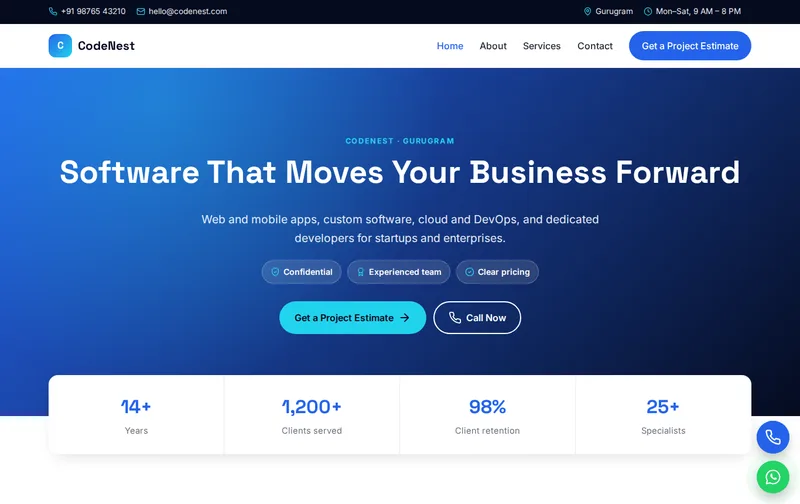
Companies hiring a software partner look for evidence of delivery: what you have built, how you work and how you communicate. CodeNest is a sleek tech template for IT companies and software agencies, with engagement models and a project estimate form.
CodeNest is a ready-made it company website template built in plain HTML5, CSS3 and a small vanilla JavaScript file, with a PHP enquiry form. It costs ₹1,499 (list price ₹2,999), paid once by UPI. You can open the live demo of CodeNest on your phone before you decide.
What clients evaluate in an IT services company
Clients compare services (web, mobile, custom software, cloud and DevOps), technology stacks, engagement models (fixed price, time and material, dedicated team) and past work. The engagement models section explains how you charge.
Case studies with the problem, the solution and a measurable outcome are the strongest proof. Even two or three detailed case studies, with the client's permission, outperform a long list of logos. Where confidentiality prevents naming the client, describe the industry and scale instead.
Process and communication matter as much as code. Clients want to know how you run sprints, how often they will see demos, which tools you use for tickets and documentation, who their point of contact is and how quickly you respond.
A walk through the four pages: Home, About, Services, Contact
Use the Services page for web development, mobile apps, custom software and cloud and DevOps. List technologies. The About page introduces leadership and team size. A short technology section, grouped by front end, back end, mobile, cloud and databases, helps technical buyers check fit quickly, while the case studies speak to business owners.
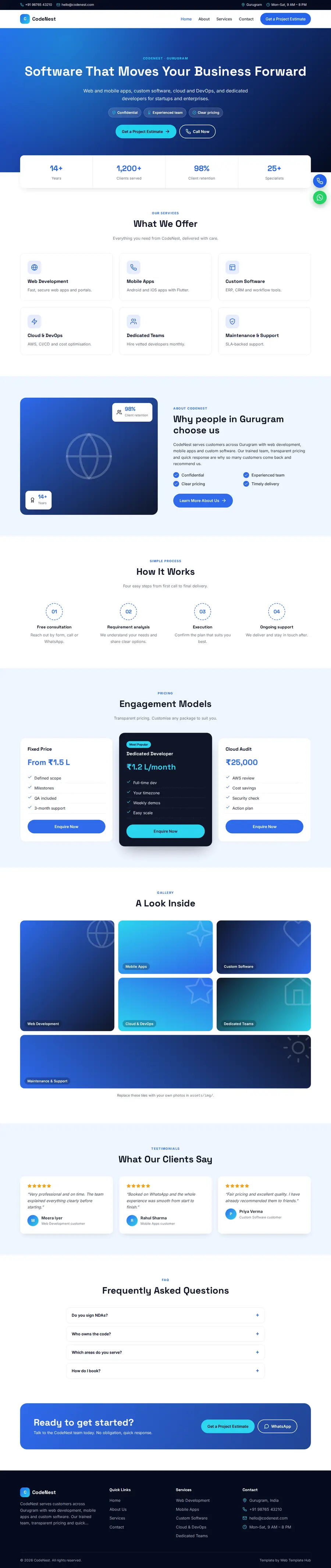
- Home page: hero with enquiry form, services, about, process, engagement models, gallery, testimonials and FAQ sections.
- About page: your story, key numbers, working process and testimonials.
- Services page: detailed service cards, pricing and FAQs.
- Contact page: contact cards, a map slot and the enquiry form, handled by contact.php with a honeypot spam trap.
The demo content is written for a business in Gurugram offering Web Development, Mobile Apps, Custom Software and Cloud & DevOps. The enquiry form's Project Type dropdown is already filled with matching options, so you edit labels rather than build the form from scratch.
Search terms for IT companies
Searches include 'software development company in Gurugram', 'mobile app development company', 'hire Laravel developers', 'DevOps consulting'. Create pages for your strongest technologies.
On the technical side the work is done for you. Every page has its own title, meta description, canonical tag and Open Graph tags. The home page carries ProfessionalService structured data (name, address, phone and opening hours), the FAQ section outputs FAQPage schema, and the inner pages include BreadcrumbList schema. Each page uses a single H1 and semantic landmarks. Replace the demo address and phone in the schema block with the exact details on your Google Business Profile so the two match. Our guide to schema markup for local business websites explains what each field does.
After launch, submit sitemap.xml in Google Search Console so Google discovers all four pages quickly, and check the Enhancements report for any schema warnings after you edit.
Explaining engagement models
Describe fixed-price, time-and-material and dedicated team models, when each suits a client and how you handle change requests.
Show your delivery process and the tools you use for project management and communication.
Mention data protection and NDAs.
Pricing transparency helps smaller IT companies compete. Give indicative ranges for typical projects, such as a business website, an e-commerce store or an MVP mobile app, and explain the factors that change the cost. Prospects who see ranges arrive better qualified.
International clients look for time-zone overlap, communication in English, contracts and IP ownership, and secure payment. If you work with overseas clients, state your overlap hours and how you invoice.
Hiring pages for developers also help: they show the company is active and growing, and they rank for local job searches.
What to replace before you go live
A template only converts when the content is real. Prepare the following:
- Services and technologies
- Engagement models
- Case studies with permission
- Team profiles
- Process and tools
- Security and NDA practices
Customising CodeNest: colours, fonts and forms
The design is controlled from a handful of CSS variables. Swap the demo primary (#2563eb) and accent (#22d3ee) for your brand colours and the change carries through all four pages. Fonts are Space Grotesk and Inter from Google Fonts; icons are inline SVG rather than an icon font; and the only script is a small vanilla JavaScript file for the menu and scroll animations, so pages stay light on mobile data. Floating call and WhatsApp buttons are included. A timed lead popup is also included; you can change its text or remove it in a few lines.
Replace demo photos with your own at similar dimensions so the layout stays balanced, and compress them before uploading to keep pages fast on mobile data.
Blue and cyan with Space Grotesk look technical. Rename the Project Type dropdown.
Hosting and setup
The download is a 28 KB zip. Upload the folder to public_html on Hostinger, cPanel or any PHP host and the site is live; contact.php sends enquiries with PHP mail(), which most shared hosts support. On a static host such as Netlify, point the form at a service like Formspree instead. The README walks through each step, and robots.txt and sitemap.xml are included. If you have never published a site, follow our step-by-step Hostinger launch guide, or ask our custom website design team to install and brand it for you.
Before you share the link, submit the form once and check that the email reaches your inbox rather than spam, then test the call and WhatsApp buttons from a mobile phone.
Is CodeNest the right fit?
CodeNest suits it companies, software agencies, freelance developers and saas startups. It suits IT companies, software agencies, freelance developers and SaaS startups.
Be clear about what it is not. It is a four-page static website, not a CMS, so edits are made in the HTML files. It has no online payment gateway, no booking calendar and no admin panel. The licence covers one website; buy one licence per client project. See the licence terms for details.
Related templates
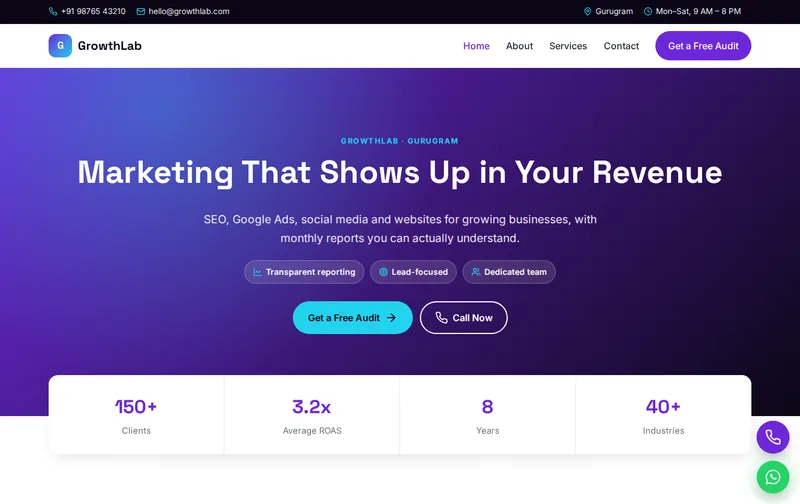
Browse all Professional Services website templates, or compare GrowthLab (digital marketing & seo agency template), TechSkill (computer training institute template) and Studio Form (architect & design studio template).
Features
- Exit-intent lead popup
- 4 ready-made pages
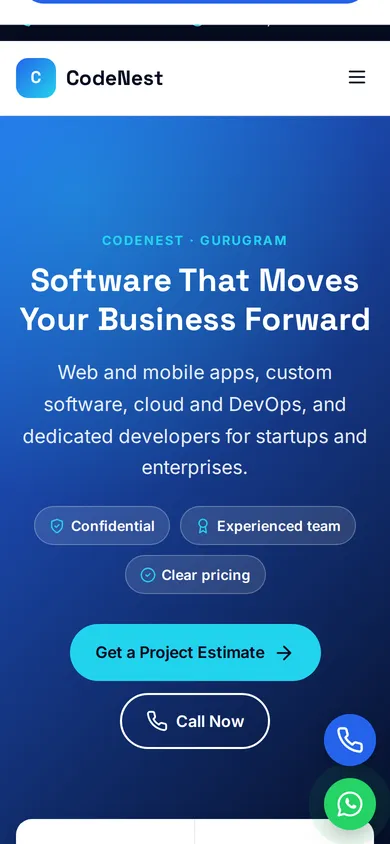
- Mobile-first responsive layout
- ProfessionalService JSON-LD schema
- FAQPage & Breadcrumb schema
- Enquiry form with PHP mail handler
- Floating Call & WhatsApp buttons
- Google Fonts: Space Grotesk
- Inline SVG icons, no icon fonts
- No jQuery, ~1 KB JavaScript
- Scroll reveal animations
- robots.txt & sitemap.xml
- Detailed README & licence
Ideal for
IT companiesSoftware agenciesFreelance developersSaaS startups
Frequently asked questions
Can CodeNest show engagement models?
Yes. The engagement models section explains fixed-price, time-and-material and dedicated team options.
Can clients request a project estimate?
Yes. The estimate form asks for the project type and arrives by email.
Is it suitable for a SaaS startup?
Yes. Rename the services to product features and use the pricing area for plans.
Can I add detailed case studies?
Yes. Add them as sections on the Services page or as new pages copied from an inner page.