 52% off

About this template
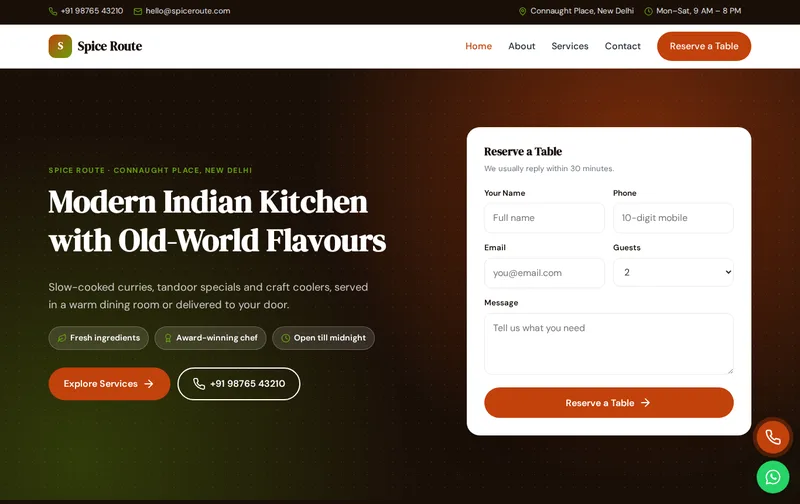
Diners decide in seconds. They check the menu, look at photos, see if you are open and either reserve a table or order. Spice Route has a bold, appetising design for restaurants, cafes and cloud kitchens, with chef's specials cards, a table reservation form and a gallery.
Spice Route is a ready-made restaurant website template built in plain HTML5, CSS3 and a small vanilla JavaScript file, with a PHP enquiry form. It costs ₹999 (list price ₹1,999), paid once by UPI. You can open the live demo of Spice Route on your phone before you decide.
What diners look for on a restaurant website
Most visitors arrive from Google Maps or a search like 'restaurants near me'. They want the menu, prices, opening hours, location and whether they can reserve or order directly. The chef's specials section highlights your signature dishes, and the reservation form asks for the number of guests so you can plan.
Ordering directly from your own website or phone line saves the commission charged by delivery apps. If you deliver yourself, make the call and WhatsApp buttons prominent and list your delivery areas. Private dining and party orders are valuable bookings; give them their own section.
A walk through the four pages: Home, About, Services, Contact
Use the Services page for dine-in, home delivery, private dining and party orders, with details such as seating capacity, delivery radius and minimum order. The About page tells your story: the chef, the cuisine and what makes the place different. Upload your full menu as a page section or a PDF.
- Home page: hero with enquiry form, services, about, process, chef's specials, gallery, testimonials and FAQ sections.
- About page: your story, key numbers, working process and testimonials.
- Services page: detailed service cards, pricing and FAQs.
- Contact page: contact cards, a map slot and the enquiry form, handled by contact.php with a honeypot spam trap.
The demo content is written for a business in Connaught Place, New Delhi offering Dine-in, Home Delivery, Private Dining and Party Orders. The enquiry form's Guests dropdown is already filled with matching options, so you edit labels rather than build the form from scratch.
Search terms for restaurants and cafes
Searches include the cuisine and area: 'North Indian restaurant in Connaught Place', 'cafe near me', 'family restaurant with private dining'. Use your area and cuisine in the main headings, keep your Google Business Profile menu, hours and photos current, and respond to reviews.
The technical groundwork is already in the files. The home page includes Restaurant JSON-LD with your business name, address, phone and hours, FAQ answers are marked up as FAQPage schema, and inner pages carry BreadcrumbList schema. Titles, meta descriptions, canonical tags and Open Graph tags are set per page, and there is one H1 on each page. When you edit, make sure the address and phone in the schema match your Google Business Profile word for word; read our article on schema markup for local business websites if you want to understand each field.
When the site goes live, verify it in Google Search Console and submit sitemap.xml. If you later add pages, add them to the sitemap too, and run the home page through the Rich Results Test to confirm the schema still validates.
Keeping the menu useful
Publish the menu as text on the page, not just as an image, so Google and visitors can read it on any phone. Mark vegetarian, vegan and spicy dishes clearly, and update prices when they change. A short 'chef recommends' list helps first-time diners order with confidence.
For cloud kitchens, replace the reservation focus with ordering: show delivery hours, minimum order value and areas covered.
Good food photography is worth the effort. Shoot dishes in daylight near a window, from the angle a diner sees them, and replace the demo images before launch.
What to replace before you go live
A template only converts when the content is real. Prepare the following:
- Full menu with prices, as text
- Opening hours and holiday timings
- FSSAI licence number
- Real photos of dishes and interiors
- Delivery areas and ordering options
- Private dining and party order details
Note: display your FSSAI licence number, and keep menu prices in line with what you charge in the restaurant.
Customising Spice Route: colours, fonts and forms
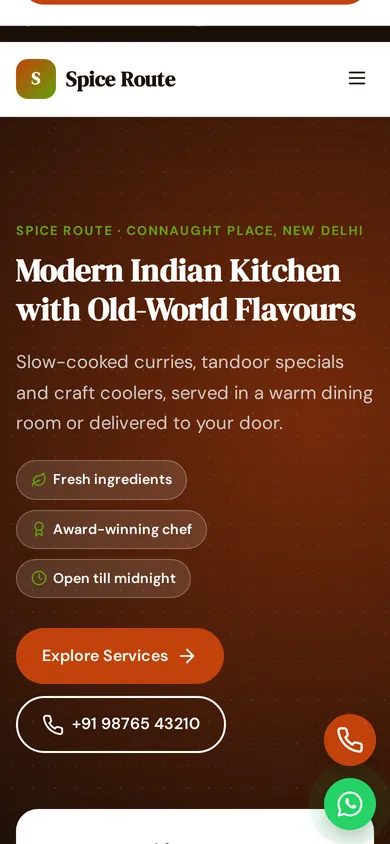
Brand colours live in four CSS variables at the top of style.css. The demo uses a primary of #c2410c and an accent of #65a30d; change those two values and buttons, links and highlights update across all four pages. Typography uses DM Serif Display and DM Sans from Google Fonts, and icons are inline SVG, so there is no icon font to load. Floating call and WhatsApp buttons sit on every page. There is no jQuery and no page builder: the JavaScript is about 1 KB and only handles the menu, scroll reveal animations and small interactions.
Use your own photos at roughly the same proportions as the demo images, and compress them first; large uncompressed images are the most common reason a fast template becomes slow after editing.
Burnt orange and green with DM Serif Display headings look warm and appetising. Rename the Guests dropdown options for your seating. For a cafe, swap the hero image for coffee and lighter fare.
How to put it online
Setup is simple. The 27 KB zip contains everything, including a README, robots.txt and sitemap.xml. Edit the HTML, upload the folder to public_html on Hostinger, cPanel or another PHP host, and test the enquiry form, which uses PHP mail(). For static hosts such as Netlify, switch the form to a service like Formspree. First time launching a website? Follow our step-by-step Hostinger launch guide, or let our custom website design team install, brand and launch it on your domain.
Do a final check before launch: send a test enquiry, confirm it lands in your inbox, and try the call and WhatsApp buttons on a phone to make sure they open the right number.
Is Spice Route the right fit?
Spice Route suits restaurants, cafes, cloud kitchens and bakeries. It suits restaurants, cafes, cloud kitchens and bakeries with seating.
What it does not do: It is a four-page static website, not a CMS, so edits are made in the HTML files. It has no online payment gateway, no booking calendar and no admin panel. The licence covers one website; buy one licence per client project. See the licence terms for details.
Related templates
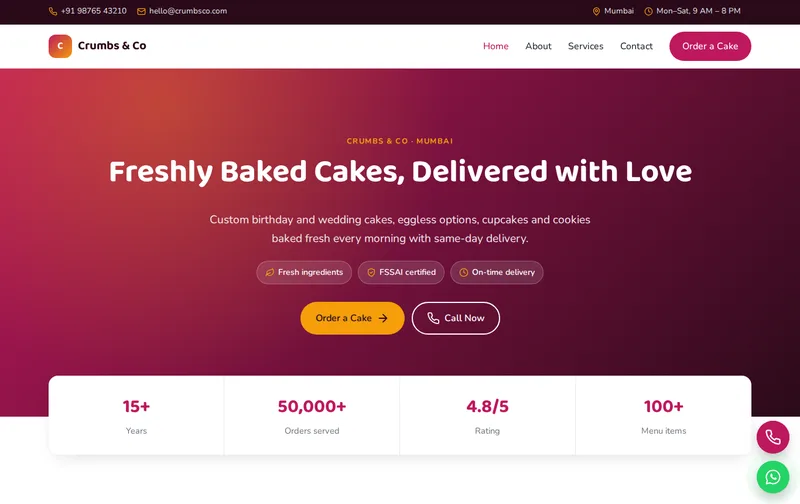
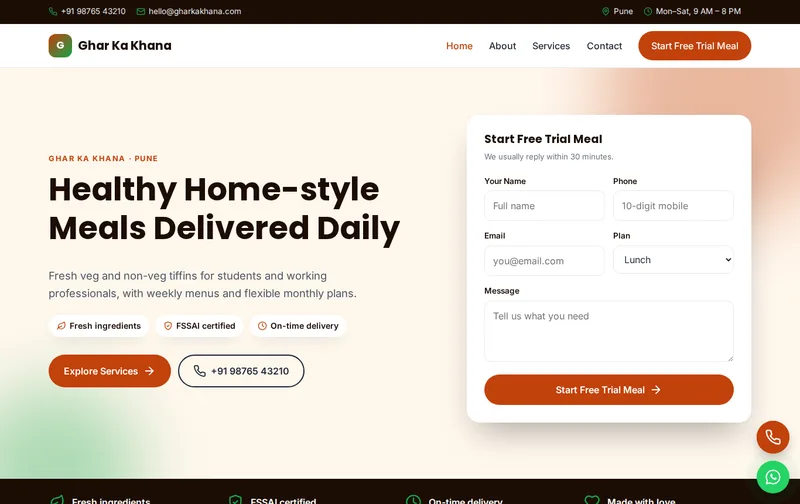
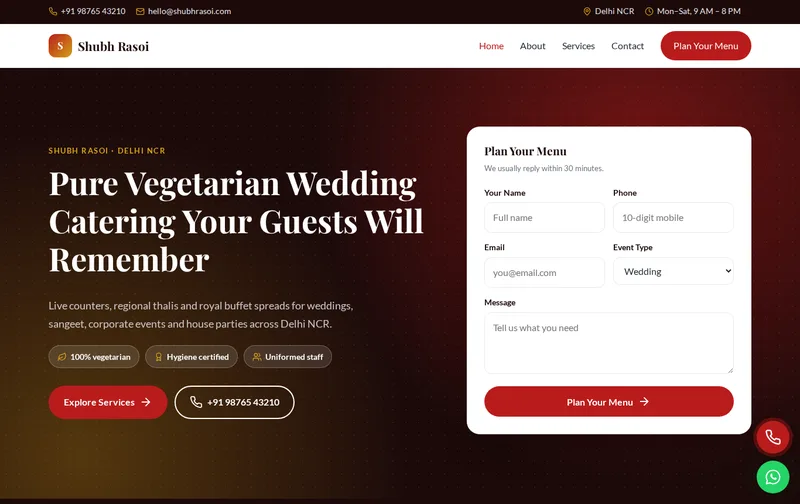
Browse all Food & Catering website templates, or compare Crumbs & Co (bakery & cake shop template), Ghar Ka Khana (tiffin service & meal subscription template) and Shubh Rasoi (wedding caterers & event catering template).
Features
- 4 ready-made pages
- Mobile-first responsive layout
- Restaurant JSON-LD schema
- FAQPage & Breadcrumb schema
- Enquiry form with PHP mail handler
- Floating Call & WhatsApp buttons
- Google Fonts: DM Serif Display
- Inline SVG icons, no icon fonts
- No jQuery, ~1 KB JavaScript
- Scroll reveal animations
- robots.txt & sitemap.xml
- Detailed README & licence
Ideal for
RestaurantsCafesCloud kitchensBakeries
Frequently asked questions
Can Spice Route take table reservations?
Guests submit a reservation request with date, time and number of guests, which arrives by email. You confirm by phone or WhatsApp.
Can I add online ordering?
There is no ordering system built in. Link to your ordering platform or take orders by phone and WhatsApp.
Is it suitable for a cafe?
Yes. Change the specials, hero image and menu to cafe items.
Can I upload my menu?
Yes. Add it as text in a section, which is best for SEO, and optionally link a PDF.