 50% off
About this template
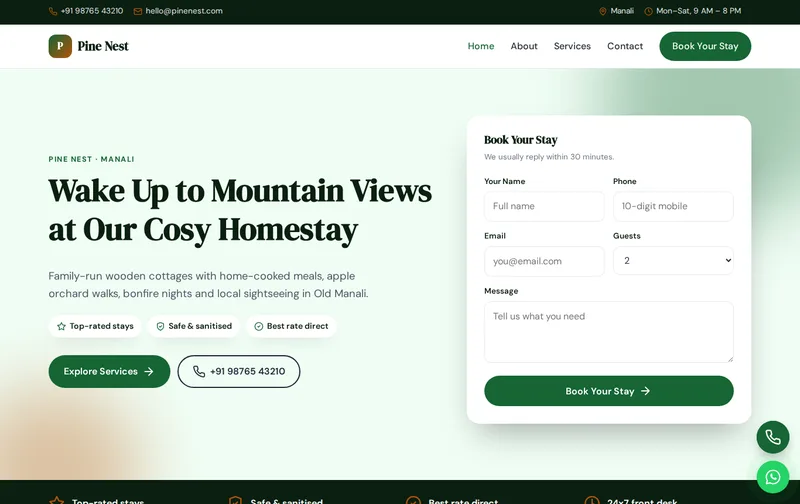
Homestay guests are not just buying a room. They are buying home-cooked food, a view, a bonfire and a host who knows the area. Pine Nest is a warm, nature-inspired template that sells that experience, with stay options and an enquiry form that asks for the number of guests.
Pine Nest is a ready-made homestay website template built in plain HTML5, CSS3 and a small vanilla JavaScript file, with a PHP enquiry form. It costs ₹999 (list price ₹1,999), paid once by UPI. You can open the live demo of Pine Nest on your phone before you decide.
What guests want to know about a homestay
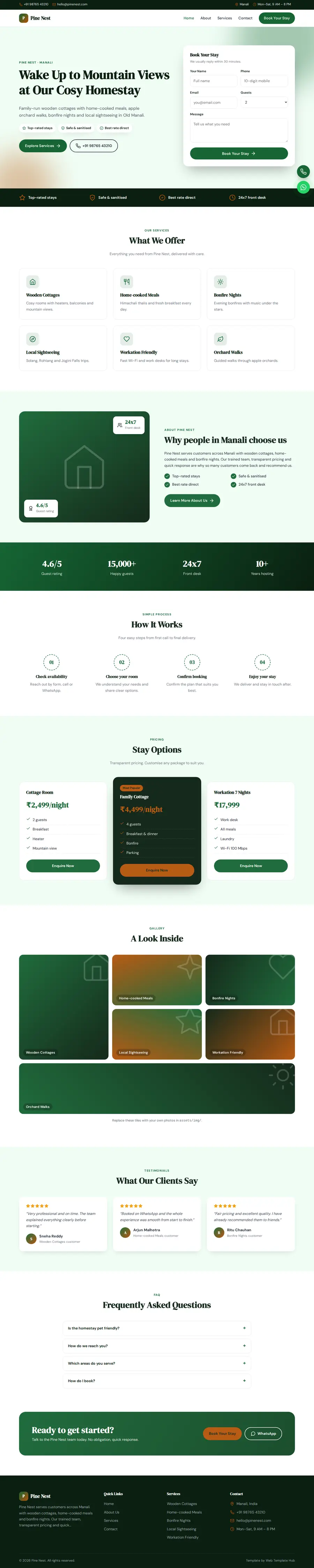
Guests compare the rooms or cottages, the view, the food, the host and the activities nearby. They want to know whether meals are included, whether the property is family- or pet-friendly, how to reach it and what the road is like in winter or monsoon. The stay options section shows each room or cottage with capacity and tariff.
Photos of your actual property in different seasons and real meals are worth more than any description. Many guests book after seeing a photo of the view from the room.
What you get, page by page: Home, About, Services, Contact
Use the Services page for cottages, meals, bonfire nights and local sightseeing. For each stay option, state capacity, amenities and tariff. The About page tells your family's story and the place. The Contact page should give detailed directions, the nearest bus stand or station and parking.
- Home page: hero with enquiry form, services, about, process, stay options, gallery, testimonials and FAQ sections.
- About page: your story, key numbers, working process and testimonials.
- Services page: detailed service cards, pricing and FAQs.
- Contact page: contact cards, a map slot and the enquiry form, handled by contact.php with a honeypot spam trap.
The demo content is written for a business in Manali offering Wooden Cottages, Home-cooked Meals, Bonfire Nights and Local Sightseeing. The enquiry form's Guests dropdown is already filled with matching options, so you edit labels rather than build the form from scratch.
Search terms for homestays
Searches include 'homestay in Manali', 'cottage stay with mountain view', 'pet friendly homestay Manali', 'homestay near Old Manali'. Use your village or area name in the main headings, and keep your Google Business Profile and photos up to date.
The technical groundwork is already in the files. The home page includes LodgingBusiness JSON-LD with your business name, address, phone and hours, FAQ answers are marked up as FAQPage schema, and inner pages carry BreadcrumbList schema. Titles, meta descriptions, canonical tags and Open Graph tags are set per page, and there is one H1 on each page. When you edit, make sure the address and phone in the schema match your Google Business Profile word for word; read our article on schema markup for local business websites if you want to understand each field.
After launch, submit sitemap.xml in Google Search Console so Google discovers all four pages quickly, and check the Enhancements report for any schema warnings after you edit.
Hosting details that win bookings
Write about what a stay feels like: the morning view, the meals your family cooks, walks nearby. Then add the practical details: hot water, heating, Wi-Fi strength, power backup and mobile network. Guests travelling with children or elderly parents want to know about stairs and the walk from the parking area.
Seasonal tips, such as snowfall months or apple season, help guests plan and give you a reason to update the site.
Many homestay guests are first-time visitors to the mountains. A short guide to what to pack, how cold it gets each season and how long the drive takes from the nearest city answers questions before they are asked and makes your listing stand out from properties that only show room photos.
Your launch content checklist
The layout is ready; the proof has to come from you. Gather these before you start editing:
- Room or cottage list with capacity and tariffs
- Meal inclusions and menu
- Directions and access details
- Photos in different seasons
- House rules and pet policy
- Activities nearby
Customising Pine Nest: colours, fonts and forms
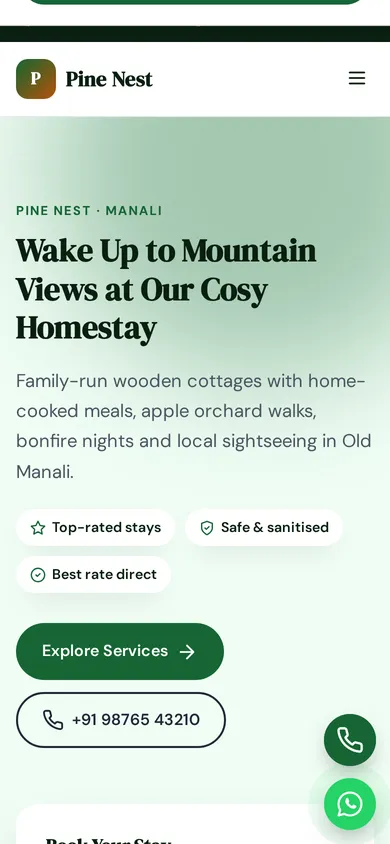
Brand colours live in four CSS variables at the top of style.css. The demo uses a primary of #166534 and an accent of #b45309; change those two values and buttons, links and highlights update across all four pages. Typography uses DM Serif Display and DM Sans from Google Fonts, and icons are inline SVG, so there is no icon font to load. Floating call and WhatsApp buttons sit on every page. A timed lead popup is also included; you can change its text or remove it in a few lines. There is no jQuery and no page builder: the JavaScript is about 1 KB and only handles the menu, scroll reveal animations and small interactions.
Keep your replacement photos close to the demo image proportions and compress them before upload, so pages stay quick on phones and the grid layouts line up neatly.
Forest green and amber with DM Serif Display headings feel warm and natural. Rename the Guests dropdown options.
Hosting and setup
Setup is simple. The 29 KB zip contains everything, including a README, robots.txt and sitemap.xml. Edit the HTML, upload the folder to public_html on Hostinger, cPanel or another PHP host, and test the enquiry form, which uses PHP mail(). For static hosts such as Netlify, switch the form to a service like Formspree. First time launching a website? Follow our step-by-step Hostinger launch guide, or let our custom website design team install, brand and launch it on your domain.
Do a final check before launch: send a test enquiry, confirm it lands in your inbox, and try the call and WhatsApp buttons on a phone to make sure they open the right number.
Is Pine Nest the right fit?
Pine Nest suits homestays, cottages, villas on rent and b&b owners. It suits homestays, cottages, villas on rent and B&B owners.
Some honest limits before you buy: It is a four-page static website, not a CMS, so edits are made in the HTML files. It has no online payment gateway, no booking calendar and no admin panel, and no availability calendar. The licence covers one website; buy one licence per client project. See the licence terms for details.
Similar templates
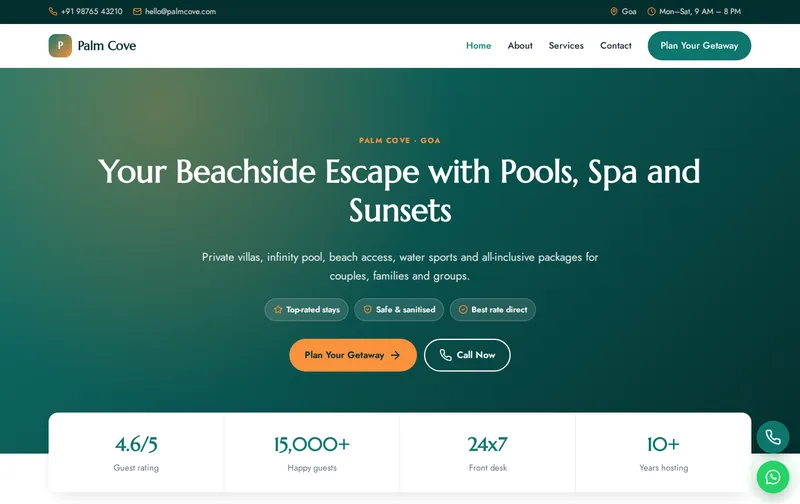
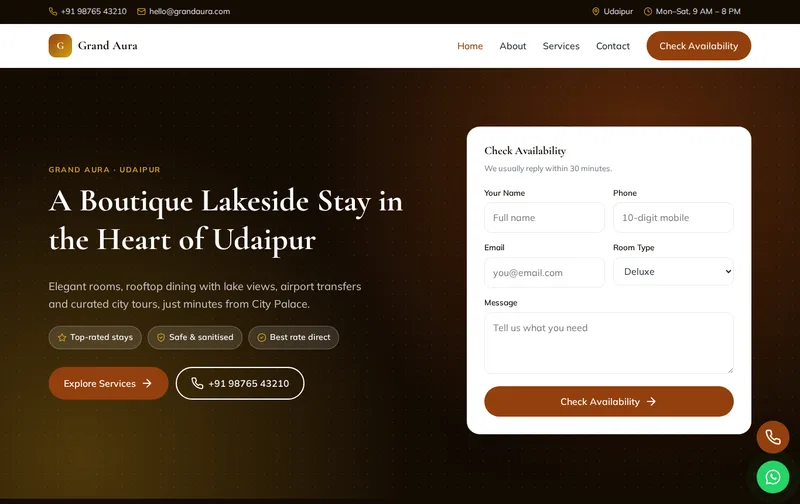
Browse all Hotels & Hospitality website templates, or compare Grand Aura (hotel & boutique stay template), Palm Cove (resort & weekend getaway template) and Summit Trails (trekking & adventure tours template).
Features
- Exit-intent lead popup
- 4 ready-made pages
- Mobile-first responsive layout
- LodgingBusiness JSON-LD schema
- FAQPage & Breadcrumb schema
- Enquiry form with PHP mail handler
- Floating Call & WhatsApp buttons
- Google Fonts: DM Serif Display
- Inline SVG icons, no icon fonts
- No jQuery, ~1 KB JavaScript
- Scroll reveal animations
- robots.txt & sitemap.xml
- Detailed README & licence
Ideal for
HomestaysCottagesVillas on rentB&B owners
Frequently asked questions
Can Pine Nest show different cottages?
Yes. The stay options section shows each room or cottage with capacity and tariff.
Can guests check availability online?
They send an enquiry with dates and number of guests, and you confirm availability.
Is it suitable for a villa rental?
Yes. Use the stay options for villas and describe amenities on the Services page.
Can I add a menu of home-cooked meals?
Yes. Add it to the Services page under meals.