How to Choose a Website Template for Your Local Business (2026 Guide)
By Web Template Hub Team · · 6 min read
7. Look for a clear service structure
A local business website should make it obvious what you sell, where you operate and how customers can contact you. A good template should have enough flexibility for service pages, location pages, pricing or packages, testimonials, FAQs and contact information. Avoid designs where every piece of information has to be forced into one long homepage.
For example, a home service company may need separate pages for plumbing, electrical work and appliance repair, while a coaching centre may need course pages, faculty information, batches and admission forms. The template should support these sections naturally without creating a confusing navigation structure.
8. Check mobile usability before desktop design
Local searches are heavily mobile-focused, so the mobile version should be treated as the primary experience rather than a smaller version of the desktop website. Buttons should be large enough to tap, phone numbers should be clickable, forms should be short and important information should not be hidden behind unnecessary menus.
Check the template on several screen sizes before making a decision. Pay particular attention to sticky headers, popups, image galleries, enquiry forms and WhatsApp or call buttons. A beautiful desktop homepage is not useful if customers struggle to use it on a phone.
9. Make local information easy to find
Local customers want practical information before contacting a business. Your template should provide space for the business address, service areas, opening hours, phone number, directions, parking information and other location-specific details.
If you serve multiple areas, the design should also allow dedicated location or service-area pages without creating repetitive pages with almost identical content. Each page should provide genuinely useful information for the location it targets.
10. Use real business proof instead of generic filler
Trust is especially important for local businesses. A strong template should have sections for customer reviews, project photographs, certifications, registrations, awards, experience, brands served and other genuine proof points.
Replace stock photographs and placeholder testimonials with original business information as soon as possible. A template provides the structure, but the credibility comes from the actual business content placed inside it.
11. Keep navigation simple
Visitors should be able to reach the most important pages without searching through complicated menus. A typical local business website may need only a few primary navigation items such as Home, About, Services, Gallery, Reviews and Contact.
Use dropdowns only when they improve navigation. If a template contains several layers of menus, unnecessary animations or decorative elements, simplify them before launch.
12. Check image handling and gallery performance
Local businesses often depend on photographs to demonstrate their work. Restaurants, hotels, photographers, interior designers, caterers, salons and real estate companies can quickly end up with hundreds of images.
Choose a template that supports responsive images, appropriate image dimensions, lazy loading and modern formats such as WebP or AVIF where supported. Compress photographs before uploading them and avoid using unnecessarily large images as backgrounds.
13. Make calls and enquiries easy to track
A website should not only generate traffic; it should help the business understand where enquiries are coming from. Make sure the template works with analytics, Google Tag Manager, conversion tracking and form-tracking systems.
Important actions such as phone clicks, WhatsApp clicks, enquiry submissions, booking requests and quote requests can then be measured separately. This makes it easier to identify which pages and marketing channels generate useful leads.
14. Avoid templates overloaded with plugins
More features do not automatically mean a better website. A template that depends on numerous plugins can introduce additional maintenance, security and compatibility requirements.
Before selecting a template, check what it actually requires. If a simple contact form needs several plugins and a basic gallery requires another page builder, the long-term maintenance cost can become much higher than the original template price.
15. Check whether the template supports content growth
Your website may start with ten pages and eventually grow into a much larger local search resource. Leave room for new services, FAQs, case studies, blog articles, customer stories and location-specific information.
A template with a flexible content structure makes it easier to expand the website without redesigning everything later. This is particularly useful for businesses targeting multiple services, neighbourhoods or cities.
16. Review accessibility basics
Good design should also be usable by people with different abilities and devices. Check colour contrast, keyboard navigation, readable font sizes, descriptive image alt text and clear form labels.
Do not rely on colour alone to communicate important information. Buttons and links should also be visually identifiable, and forms should clearly indicate what information is required.
17. Test every important action before launch
Never judge a template only from its demo homepage. Submit the contact form, click the phone number, test the WhatsApp button, open the navigation menu, check the maps link and test the website on a slower mobile connection.
Also check the 404 page, redirects, internal links, favicon, social sharing preview and contact details. Small configuration errors can make an otherwise attractive website ineffective after launch.
18. Choose a template you can maintain for years
The cheapest template is not necessarily the lowest-cost option. Consider documentation, code quality, update frequency, licence terms, support, browser compatibility and how easy it is to customise.
A template should give your business a reliable starting point rather than create another technical dependency. Clean code, simple content management and a sensible page structure usually matter more over time than decorative effects.
Final checklist before choosing a template
- Does the design match your business niche?
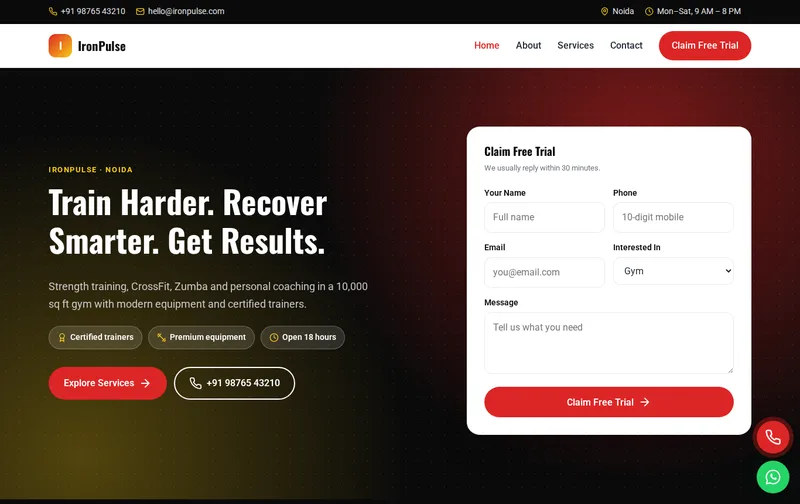
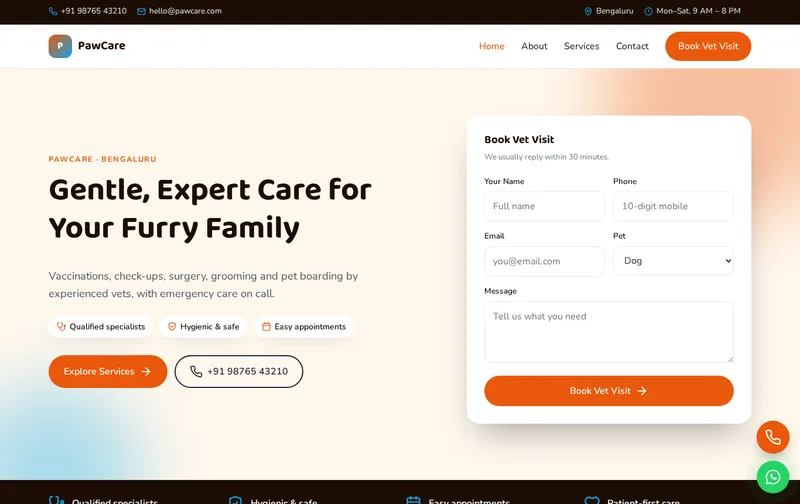
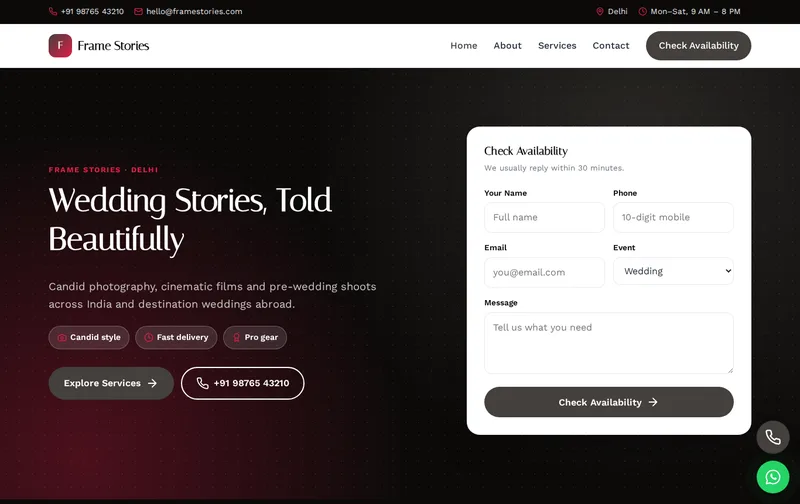
- Is the main enquiry or booking action immediately visible?
- Does the mobile version work as well as the desktop version?
- Can you create individual service and location pages?
- Are titles, headings, canonical URLs and structured data supported?
- Does the template load quickly without unnecessary scripts?
- Can you compress and manage images efficiently?
- Can you add reviews, FAQs, testimonials and business credentials?
- Does it support analytics and conversion tracking?
- Is the licence suitable for your intended use?
- Is the code documented and easy to customise?
- Can the website grow as your business adds services and locations?
The right website template is more than a collection of attractive pages. It should provide a practical foundation for visibility, trust, enquiries and future growth. Choose the structure first, then customise the colours, photography, content and branding around the real needs of your customers.